My Task Tracker: Your Ultimate Productivity Tool
My Task Tracker is a versatile and highly customizable productivity tool designed to help you manage your tasks, projects, and goals with ease. This comprehensive 120-page planner is not just a simple to-do list; it's a dynamic system that can be tailored to fit various needs and preferences.
What Makes My Task Tracker Stand Out?
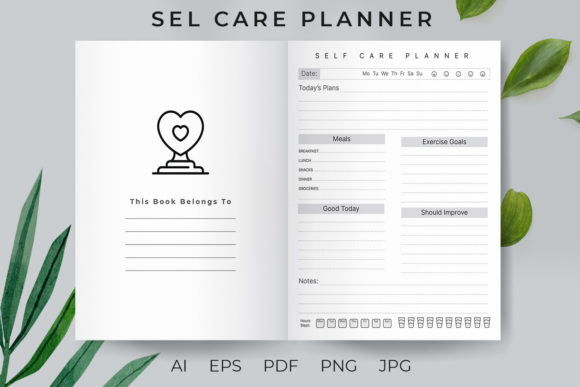
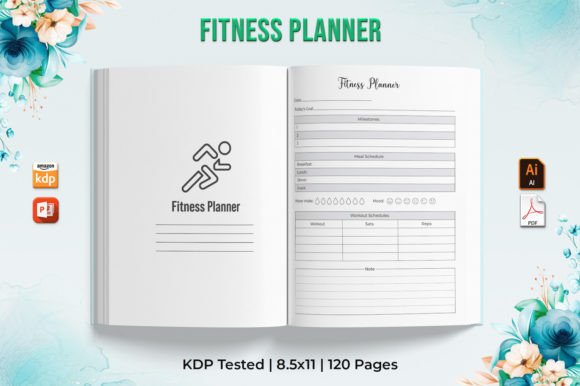
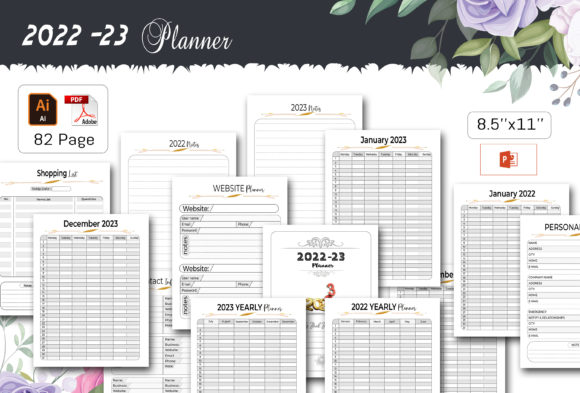
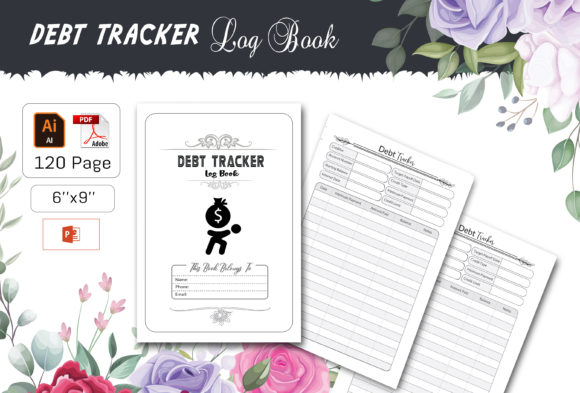
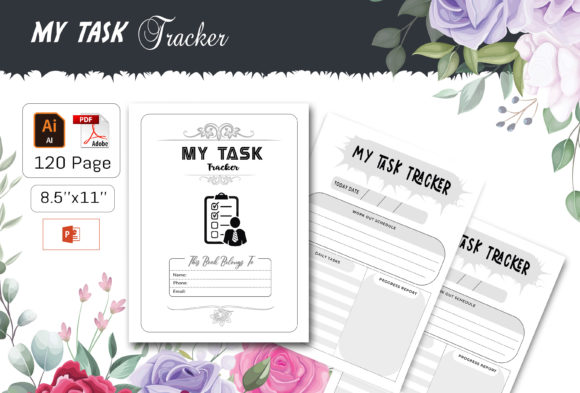
My Task Tracker comes in a US Letter size (8.5 x 11 inches) and is available in multiple editable formats, including Adobe Illustrator CC 2019 (Ai or EPS), Microsoft PowerPoint 2016 (PPT), and as a ready-to-print PDF. The high-quality, 300 dpi resolution ensures that your prints are crisp and professional. Additionally, the file includes 100 vector shapes that are fully resizable, allowing for endless customization options.
Creative Possibilities and Applications
Whether you're a creator, designer, marketer, blogger, entrepreneur, educator, or hobbyist, My Task Tracker can be adapted to suit your specific needs. Here are some creative ways to use this powerful tool:
- Project Management: Use it to plan and track the progress of your projects, from initial brainstorming to final execution. Break down large projects into manageable tasks and set deadlines to keep yourself on track.
- Content Planning: For bloggers and content creators, it can serve as a content calendar. Schedule your posts, brainstorm ideas, and track your publishing schedule to ensure consistent and high-quality content.
- Goal Setting: Set and track your personal and professional goals. Use the planner to break down your long-term objectives into smaller, actionable steps, and monitor your progress over time.
- Event Planning: Plan and organize events, from small gatherings to large-scale conferences. Keep track of all the details, from guest lists to vendor contacts, ensuring nothing is overlooked.
Adapting My Task Tracker for Different Goals and Audiences
One of the key strengths of My Task Tracker is its flexibility. Here’s how different users can adapt it to their specific needs:
- Freelancers and Small Business Owners: Use it to manage client projects, track invoices, and plan your workweek. The customizable nature of the planner allows you to create a system that fits your unique workflow.
- Educators: Teachers can use it to plan lessons, track student progress, and manage administrative tasks. The planner can also be a great tool for organizing school events and extracurricular activities.
- Hobbyists and Enthusiasts: Whether you’re into crafting, gardening, or any other hobby, My Task Tracker can help you stay organized. Plan your projects, set reminders, and track your progress to make the most of your leisure time.
Practical Tips for Effective Use
To get the most out of My Task Tracker, consider these practical tips:
- Prioritize Tasks: Use the planner to prioritize your tasks based on urgency and importance. This will help you focus on what truly matters and avoid getting overwhelmed by less critical tasks.
- Set Realistic Deadlines: Be realistic about what you can achieve in a given timeframe. Setting achievable deadlines will help you stay motivated and reduce stress.
- Review and Reflect: Regularly review your progress and reflect on what’s working and what isn’t. This will help you make adjustments and improve your productivity over time.
- Customize to Fit Your Style: Don’t be afraid to customize the planner to fit your personal style. Change colors, add graphics, and rearrange sections to make it a tool that you enjoy using.
Conclusion
My Task Tracker is a powerful and flexible tool that can help you stay organized, focused, and productive. Whether you’re managing projects, planning content, setting goals, or organizing events, this planner has the features and flexibility to meet your needs. With its high-quality design and easy-to-edit formats, you can create a personalized system that works for you. Start transforming your productivity today with My Task Tracker.